

“Offline mode” gets mentioned a lot in access control marketing, usually as a one-line reassurance: don’t worry, it still works without internet. What that claim almost never explains is which parts still work, which parts don’t, and what the difference is between losing internet and losing power entirely — two very different failure modes that get lumped together.
This post breaks down what actually happens to a cloud-managed access control system during an outage, so a board or property manager evaluating this feature knows what question to ask instead of just accepting “yes, it works offline” at face value.
Two different problems: no internet vs. no power
These get conflated constantly, but they’re separate failure modes with separate implications.
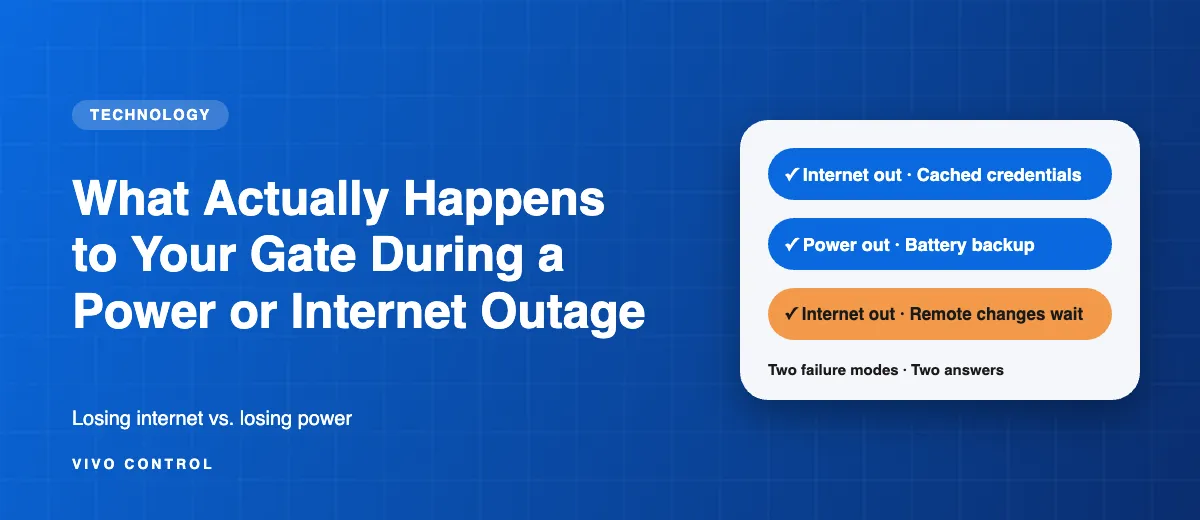
An internet outage means the gate controller has power but can’t reach the cloud. This is the scenario local credential caching is built to handle — the controller already has a working list of authorized credentials stored locally and can keep verifying against that list without needing to call out to a server.
A power outage is a different problem entirely. If the controller itself has no electricity, local caching doesn’t matter — nothing works until power is restored or a battery backup takes over. Vivo Control is built for battery-backed and offline operation — battery backup keeps entry points active during power or internet outages. Confirm the exact setup for your property with your installer.
What local credential caching actually means
When a gate controller caches credentials locally, it means the controller itself stores a working copy of which credentials are currently authorized — which QR codes, which resident app credentials — without needing to check with the cloud every single time someone scans or taps.
This is why QR entry can keep functioning during an internet outage: the controller already knows who’s allowed in, based on the last time it successfully synced with the cloud, and it can keep making that decision locally until the connection comes back.
What keeps working during an internet-only outage
What doesn’t work during an internet-only outage
What happens when the connection comes back
Once connectivity restores, two things happen: any credentials that were issued but couldn’t sync during the outage push through to the controller, and all the entry events that were queued locally during the outage sync up to the cloud dashboard, so the access log catches up to reflect everything that happened while the connection was down.
The questions worth asking an installer
How this works on Vivo Control
Vivo Control’s QR entry caches credentials locally on the gate controller, so existing residents and pre-authorized visitors can continue entering during an internet outage. Video intercom requires a live connection, consistent with how that technology works generally. Entry events that occur during an outage are queued locally and sync to the dashboard once connectivity restores. Battery backup keeps entry points active during power or internet outages — a certified dealer can confirm the exact setup for a specific property.
Frequently asked questions
This post explains general technical concepts around offline access control functionality. Specific hardware configurations vary by installation — confirm the exact setup for your property with a certified dealer.